If everything on a music site looks like the same blur of posts, the problem is usually navigation, not the catalog.
Guieiro Musical is easier to use when you stop treating every update as the same thing. Most visitors want one of three outcomes: a fast news check, a festival detail, or something worth watching. Those are different jobs, so the site splits them into different lanes.
If you are asking where the actual news lives, how festival details are presented, or whether the video section is more than a dumping ground for clips, this is the quick diagnosis.
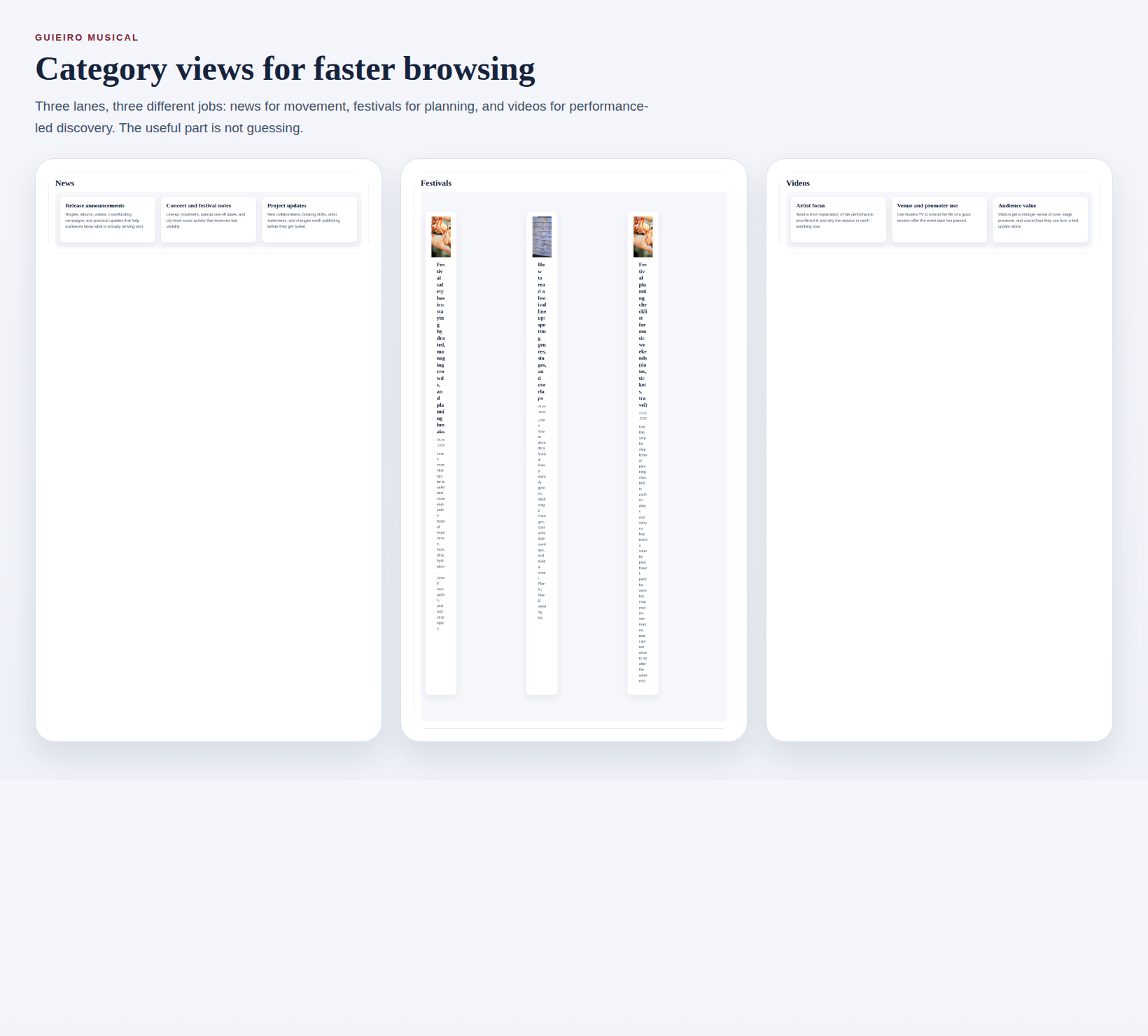
The screenshot above gives away the structure: news movement, festival watch, and video-led discovery. Use that on purpose. Random browsing is how people end up reading the wrong post and blaming the site for it.
| Section | Best use | What to check first |
|---|---|---|
| News | Fresh updates, interviews, release notes, and scene movement | Date, city, and whether the post is an announcement or a follow-up |
| Festivals | Event planning, lineup notes, venue details, and timing | Location, event date, and outgoing organizer link |
| Videos | Music videos, live sessions, backstage footage, and interviews | Format, recording context, and whether you need visuals or logistics |
News: What It Typically Includes
The News lane in Novas is for time-sensitive material: release announcements, artist interviews, line-up changes, venue notes, and other updates that lose value if they sit around. In plain English, this is the answer to one question: what changed?
That fits the basic role of music journalism: report relevant movement, add enough context to make it readable, and avoid drowning the useful detail in noise. Expect shorter posts, sharper headlines, and links that point you toward the actual announcement or release.
- Use News when you want the latest signal, not a deep archive dive.
- Check the date and city first. Old news with a good headline is still old news.
- Look for the outgoing public link if the post refers to a release, campaign, or organizer page.
Festivals: How Dates and Locations Are Presented
Festival content is logistics wearing a cool jacket. The useful details are not mysterious: dates, city, venue, line-up context, and a direct path to the organizer if tickets or schedule changes matter. If those details are missing, you are looking at a teaser, not a plan.
On Guieiro Musical, festival information shows up across the homepage overview, festival-focused posts in the blog index, and shorter updates when something shifts. That is normal. Music festivals are schedule-driven by nature, so the right habit is to verify the boring details before you decide the weekend is booked.
- Read the headline for the event type: announcement, reminder, or recap.
- Confirm the date and location before you care about the poster art.
- If there is an official event or organizer link, open that before you rely on travel or ticket assumptions.
Videos: What Formats You’ll Find
Guieiro TV is the visual lane. It is not limited to polished official clips. It can include music videos, stripped-down live sessions, interviews, backstage fragments, and performance recordings that tell you more than text can.
That mix matters because a music video and a live take answer different questions. One shows presentation and concept. The other shows stage energy, arrangement, and whether the project actually breathes outside the edit.
- Use Videos when you want tone, presence, or a fast sense of the artist.
- Do not use Videos as your first stop for venue logistics unless the post clearly says it includes them.
- If a clip sends you elsewhere, follow the linked artist or event page for the practical details.
How to Choose Where to Look First
Start with the symptom, not with whatever tab is already open.
- If you need the newest movement, start with Novas.
- If you need dates, venue details, or event-planning context, start with the festival signals on the homepage and then move into relevant posts on the blog.
- If you need to decide whether an artist or session deserves your attention, start with Guieiro TV.
If you still are not sure, use the homepage as the map. It exists to route you, not to decorate the domain.
How to Use Categories to Refine Discovery
The site gets easier the moment you adopt three boring habits. Boring is underrated.
- Check the format first: update, event detail, or video.
- Bookmark the section that solves your recurring problem instead of hoping memory will behave.
- Use the blog index when you want broader context, not just the latest post.
The first diagnostic step before you click anything else is simple: decide whether you need news, a festival detail, or a video. That one choice rules out most false leads before they waste your time.