Summer festival season looks noisy from the outside, but the pattern is usually predictable if you know what to watch first. Most readers want the same answers: when do announcements usually land, which releases tend to arrive before a tour, and how do you avoid missing the updates that matter? Those are the right questions to ask, because a music festival season is really a sequence of information bursts, not one big event.
If you want the widest site view while you read, the Blog index keeps related guides together, and the Home page is the main starting point for the site. Keep both close. During summer, details move quickly and the first reliable notice is often the one that saves you from a bad calendar surprise.
The practical problem is not a lack of music news. It is the volume. New singles, lineups, tour dates, video drops, venue changes, and late-stage schedule edits can all arrive in the same week. That is why a simple tracking system matters. Even a basic calendar workflow helps before you automate reminders, summaries, or note-taking for yourself.
In this guide, I will keep the method plain. You will learn the usual announcement windows, how releases and festival tours connect, what signals deserve attention first, and how to adjust your own calendar without turning the process into a full-time job. The point is control, not panic.
By Grant Vale | Updated July 9, 2026
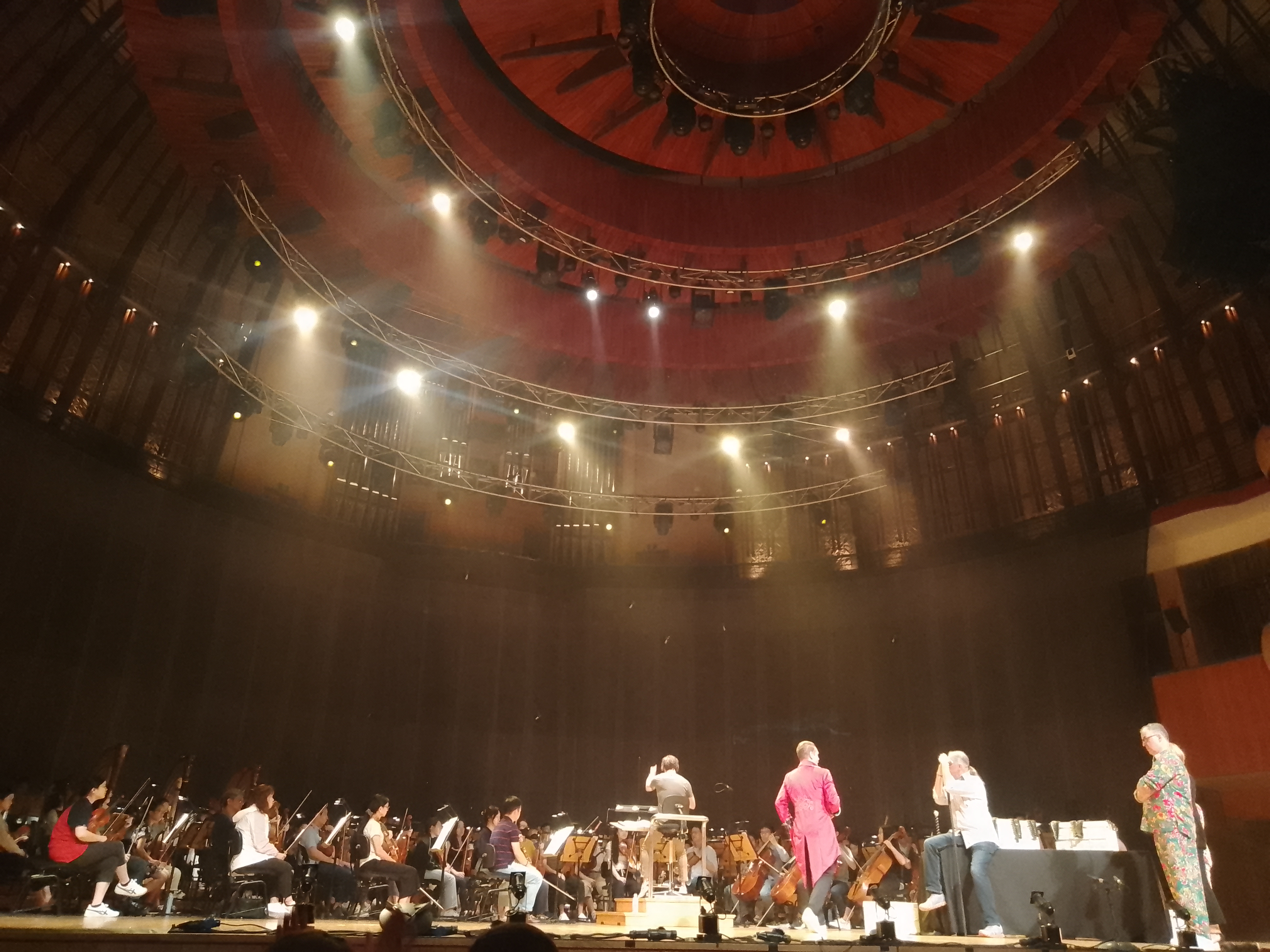
Typical summer announcement windows
Summer festival season does not follow one fixed calendar, but it does tend to move through familiar windows. The safe rule is simple: watch for early clues in late spring, heavier announcement traffic in early summer, and follow-up changes through mid- and late summer. Exact dates vary by market, promoter, and artist, but the rhythm is consistent enough to plan around.
Use this table as a working map rather than a promise. The goal is to understand the shape of the season so you can sort real updates from speculation.
| Window | What often appears | What it usually means | How to respond |
|---|---|---|---|
| Late spring | First festival teasers, initial lineup hints, summer press campaigns | Organizers are starting to lock the public-facing story | Bookmark official pages and turn on alerts for the artists you care about |
| Early summer | Lineups, support acts, single releases, ticket reminders | The season is moving from teaser mode into booking mode | Update your calendar and decide what is worth buying or saving |
| Mid-summer | Tour date additions, venue changes, video drops, guest appearances | Artists are using momentum from the season to widen attention | Check the official artist channel before you rely on reposts |
| Late summer | Final run announcements, recap content, late ticket changes | Teams are closing the loop on the season and filling gaps | Confirm the current version before you plan travel or time off |
Festival coverage gets noisy because people mix up the announcement itself with the reaction to it. A lineup reveal is not the same thing as a tour date drop, and neither is the same thing as a release announcement. If you keep those categories separate, you will waste less time on posts that feel urgent but do not change your actual plan.
For a general background reference on the event type itself, the Wikipedia overview of music festivals is enough to show how broad the format is. That breadth is why timing matters. Different organizers use different release strategies, but the season still follows a practical pattern: tease, confirm, expand, and then react to demand.
How releases tie into tours and festivals
Summer festival activity is rarely random. New music and live dates are usually coordinated so each announcement helps the other one travel farther. A single can create attention for a stage appearance. A festival slot can make a new release feel more important. A tour announcement can turn a quiet month into a busy one if the artist already has a fresh track or video in circulation.
That connection matters because fans do not track releases and live plans in separate boxes. They want to know whether a new song will appear on stage, whether a festival set is likely to preview unreleased material, and whether the latest announcement changes the odds of seeing an artist nearby. A release is not just content. It is often the first sign of a larger schedule.
Here is the working logic:
- A new single often starts the conversation and gives the artist a current hook for interviews, social posts, and playlists.
- An EP or album can widen the live set and justify a run of festival dates or regional appearances.
- A tour announcement can turn a festival appearance into a broader campaign rather than a one-off event.
- A video drop can refresh attention between live dates and keep the release cycle alive longer.
If you want a simple example of how live information is organized around artists, tools like Songkick and Bandsintown are built around tour discovery and alerts. They are useful not because they replace official channels, but because they help you notice when the same artist starts showing up in more than one place.
The other side of the cycle is less visible but just as important. Festivals can influence what artists release next. If a summer run is busy enough, a live recording, acoustic version, behind-the-scenes clip, or performance video may follow. That is one reason the season feels continuous. The stage does not end the news cycle. It extends it.
What to watch for: singles, tour dates, and video drops
Once summer starts moving, the same few signals tend to repeat. You do not need to chase every post. You do need a short list of categories that deserve attention before the rest.
1. New singles
Singles are usually the easiest release to spot and the fastest to spread. They may appear as a direct announcement, a teaser clip, a short audio snippet, or a pre-save link. A single often tells you two things: the artist is active, and the team wants a current talking point before the next larger announcement lands.
Watch for the practical clues: artwork change, a confirmed release time, pre-save messaging, or a caption that points to the next step. If a single arrives without a tour announcement, it still matters. It may be the first move in a longer season plan.
2. Tour dates
Tour dates are the most direct planning signal. They tell you whether an artist is building a regional run, a festival-heavy summer, or a short series of city stops around a bigger appearance. The key is to read the pattern, not just the headline.
For example, a cluster of dates around a festival weekend may mean the artist is turning one public appearance into a wider routing plan. A date drop that appears a few weeks after a single release usually means the team is trying to keep momentum alive. Do not assume the first tour post is the last version. Summer routing changes. That is normal.
3. Video drops
Music videos, lyric videos, live-session clips, and backstage pieces all play a role in summer attention. A video drop is often the easiest way to give an older release a second life. It can also confirm that the artist is still in an active campaign even if the live calendar has not changed yet.
When you scan a video announcement, look for more than the song title. Check the release date, credits, venue names, and whether the clip seems designed to support a festival appearance, a tour launch, or a one-off promotion. The context usually tells you more than the thumbnail.
4. Lineup and billing changes
Summer festivals often announce sets in waves. That means the first lineup version is not always the final one. Support acts can shift, daily bills can change, and the exact position of an artist can move. If you are watching a festival with real intent, treat the first public version as a baseline, not a guarantee.
A good habit is to save the version you saw first, then compare it against the official update later. That makes changes easier to spot and helps you avoid building plans around reposts or screenshots with old information.
How to adjust your calendar as updates come in
The goal here is not to track everything. The goal is to track the right things in a way that does not collapse under its own weight. A summer calendar works best when it has a few hard points and a small amount of room for movement.
Use a simple three-layer system:
- Core layer: the events, release dates, and ticket windows you would genuinely act on.
- Watch layer: items that matter if they move, but do not require immediate action.
- Noise layer: rumors, reposts, fan guesses, and speculative timing posts.
The core layer belongs in your calendar. The watch layer belongs in notes, reminders, or a second list. The noise layer belongs where it cannot waste your attention. If you keep those layers separate, you are less likely to react to every rumor as if it were a deadline.
For the actual calendar work, use whichever system you already trust. Google Calendar support pages explain the basics of setting reminders and managing events, and that is enough for most people. The exact tool matters less than the discipline: put the date in once, label it clearly, and update it only when the official source changes.
A second useful rule: if an announcement affects money, travel, or time off, treat it as provisional until you verify it on the official artist, festival, or venue page. Social reposts are helpful for discovery. They are not a final source of truth.
Here is a practical adjustment loop:
- Log the announcement as soon as you see it.
- Mark the source, not just the headline.
- Check whether the post is about a single, a set, a tour date, or a video.
- Update your calendar only after you confirm the official version.
- Keep one note about why the item matters so you remember it later.
If your release tracker starts behaving like a mini operations desk, it can help to figure out where AI fits before you automate summaries, duplicate reminders, or shared notes. That is not a demand to complicate things. It is a reminder to keep the system controlled before it starts producing its own clutter.
Best approach: scan categories in a set order
When summer gets busy, the simplest method is usually the safest one. I recommend scanning updates in this order so you do not confuse an attention-grabbing post with an important one:
- Official festival pages. These tell you whether a lineup, schedule, or ticket window has actually changed.
- Official artist channels. Look for singles, tour dates, and video announcements from the source.
- Venue and promoter pages. These often confirm routing, capacity notes, or local changes.
- Discovery tools. Use services like Bandsintown and Songkick to catch alerts after the official posts exist.
- Secondary coverage. Music sites and fan roundups help, but they should follow the announcement, not replace it.
That sequence is conservative on purpose. It gives priority to the source that can actually change your plan. If a secondary post says a festival set changed but the official page has not moved, wait. Summer is full of reposts that sound final and are not.
For readers who want a broader sense of how festival cycles are discussed in the industry, the music festival overview is a useful baseline, and the alert systems on Bandsintown and Songkick show how tour news is usually organized for fans. Those resources do not replace judgment. They simply reduce the chance that you miss the right post in the middle of a busy week.
Quick summer planning checklist
Use this checklist when the season starts filling up. It keeps the process tight and prevents small details from slipping through the cracks.
- Identify the artists and festivals you actually care about.
- Follow the official accounts before you rely on reposts.
- Separate singles, tour dates, festival lineups, and video drops into different notes.
- Add only the items that would change your calendar or budget.
- Keep one backup reminder for any event that might move.
- Check for daily lineup changes before you travel.
- Review your calendar at least once a week during peak season.
- Save the final official version of any plan that matters.
If you want a stricter rule, use this one: no official source, no final decision. That approach may feel cautious, but it saves time later. Summer announcement season is full of momentum, and momentum is where people make sloppy assumptions.
What this looks like in practice
Imagine you follow one band, two regional festivals, and a handful of support acts. In a single week, you might see a teaser for a summer single, a festival lineup update, a ticket reminder, and a small tour expansion. None of those items require the same response.
| Update type | Immediate response | What not to do |
|---|---|---|
| Single announcement | Note the release date and watch for follow-up content | Do not assume a tour change unless one is stated |
| Tour date drop | Check routing, venue, and ticket terms | Do not rely on fan screenshots if the official page exists |
| Festival lineup update | Compare the new version against your saved version | Do not book around the older poster once the official page changes |
| Video release | Track whether it supports a larger campaign | Do not treat every video as a live-date signal |
This kind of sorting is boring in the best way. It prevents you from overreacting to one post and underreacting to another. That is usually the difference between a usable summer plan and a mess of calendar edits.
Final takeaway
Summer festival releases and announcements follow a predictable logic even when the details change. Watch for the season in layers: early teasers, lineup reveals, single drops, tour dates, and later follow-up content. Keep releases and live plans separate in your mind so you can tell what actually changes your schedule.
The discipline is simple. Verify the source. Record the update. Decide whether it affects your calendar. If it does, move the date. If it does not, leave it alone and keep watching the official channels. The season is busy enough without inventing extra work.
For more festival planning content, return to the Blog index or start again from the Home page. The rule remains the same: pay attention to the source, not the noise around it.